
TL;DR:
- Mobile maps are crucial for safe navigation and crowd avoidance during Umrah.
- Download offline maps and test apps before travel to prevent connectivity issues.
- Using multiple apps and offline maps reduces stress and helps make smart route decisions.
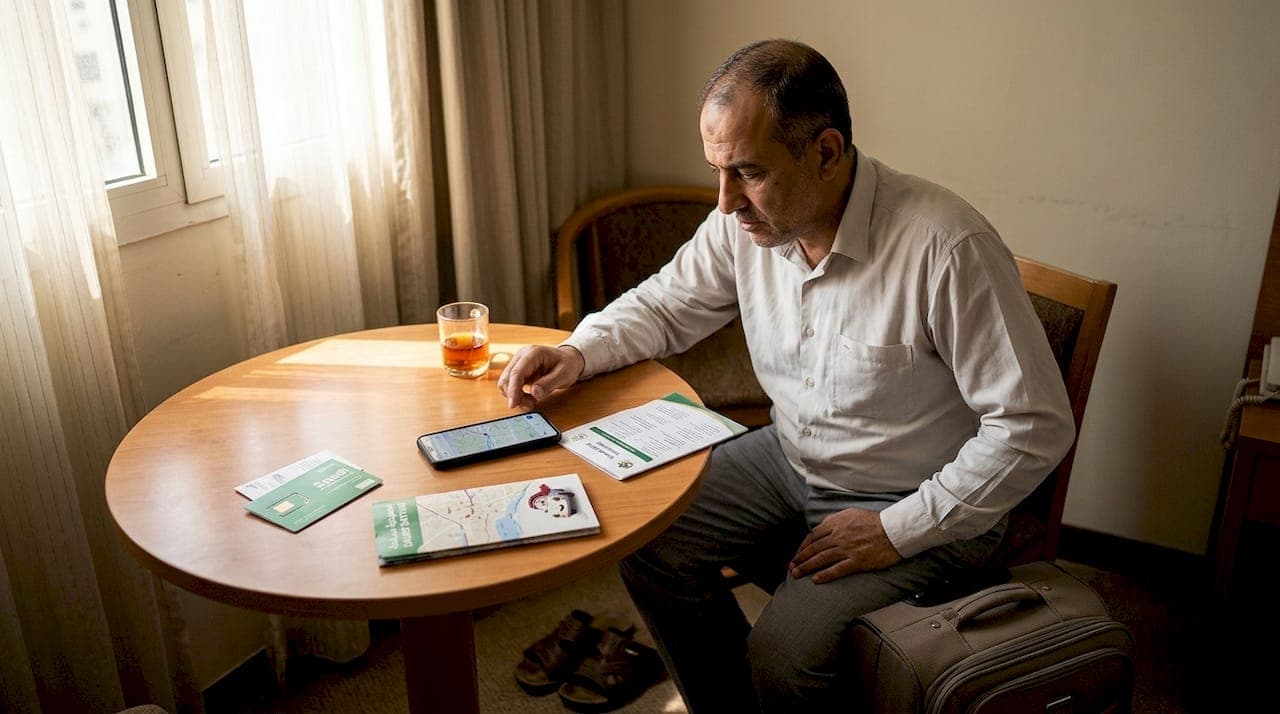
Getting lost in Mecca or Medina is more common than most pilgrims expect. The streets around Masjid al-Haram shift with crowd surges, gate closures, and construction zones that no printed map can track. Many first-time Umrah pilgrims arrive with a maps app installed but no offline data downloaded, no local SIM active, and no idea which gate to use. This guide covers the right apps to install, how to set up your device before you land, how to navigate safely on the ground, and what to do when things go wrong. Follow these steps and mobile navigation becomes a genuine asset rather than a source of frustration.
Table of Contents
- Essential mobile map apps for Umrah pilgrims
- Preparing your device: connectivity, offline maps, and data basics
- Using maps smartly: navigation, crowd avoidance, and safety
- Avoiding common mistakes and troubleshooting map issues
- A seasoned pilgrim's perspective: what really makes mobile maps invaluable?
- Enhance your Umrah journey with trusted transport and map solutions
- Frequently asked questions
Key Takeaways
| Point | Details |
|---|---|
| Use multiple map apps | Rely on both official apps like Nusuk for pilgrim services and Google Maps for flexible navigation around Saudi holy sites. |
| Prepare offline maps | Download key maps for Mecca and Medina before traveling to avoid getting stuck without internet or incurring high roaming fees. |
| Secure reliable connectivity | Set up eSIMs or local SIM cards for affordable data and test everything before arrival to ensure non-stop navigation during Umrah. |
| Navigate smartly | Leverage interactive maps for crowd avoidance and safety, and screenshot routes for no-data backups and quick reference. |
Essential mobile map apps for Umrah pilgrims
Choosing the right app matters before you even board the plane. Not every maps app handles the unique layout of the Grand Mosque, the Mina camps, or the narrow streets of old Medina equally well.
Recommended apps for Umrah include Google Maps for general navigation, the Nusuk official app with interactive maps and ritual guidance, and specialist tools like Umrah Journey and Ziyara Go that offer offline maps of Mecca and Medina. Each serves a different purpose, and using more than one is the smart move.
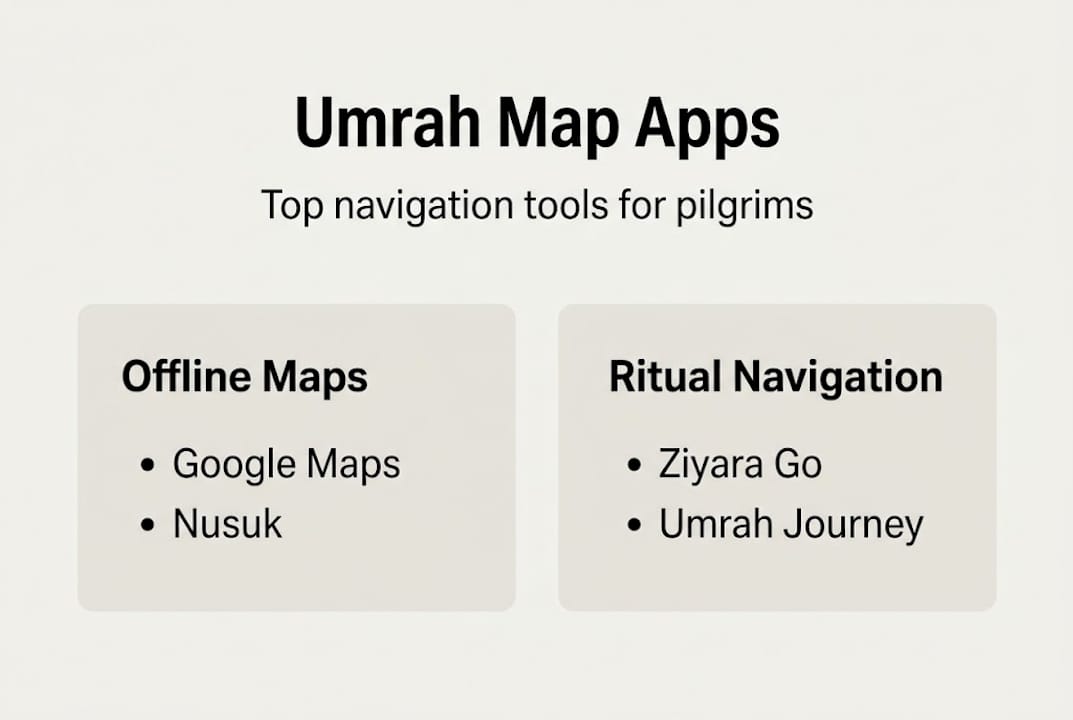
Here is a quick comparison:
| App | Offline maps | Permit integration | Crowd routing | Ritual guidance |
|---|---|---|---|---|
| Google Maps | Yes | No | Limited | No |
| Nusuk | Partial | Yes | Yes | Yes |
| Umrah Journey | Yes | No | No | Yes |
| Ziyara Go | Yes | No | Limited | Yes |
The Nusuk app features include permit management, live updates from Saudi authorities, and step-by-step ritual walkthroughs. Because it connects directly to government systems, it reflects real-time gate closures and prayer schedules that third-party apps miss.
Key features to look for in any Umrah navigation app:
- Offline map support for Mecca and Medina
- Gate-level detail for Masjid al-Haram and Masjid an-Nabawi
- Crowd density indicators
- Multi-language support
- Permit or visa integration
Learning about digital tools in Mecca before departure helps you understand which features matter most on the ground. A broader look at travel apps for pilgrims can also help you round out your toolkit with prayer time alerts, currency converters, and transport booking tools.
Install at least two apps before you travel. Network congestion near the Grand Mosque is severe during peak hours, and having a backup that works offline can save significant time.
Preparing your device: connectivity, offline maps, and data basics
With your app choices made, the next step is making sure your phone is ready for uninterrupted navigation before you land in Saudi Arabia.

Connectivity options fall into two categories: eSIM and physical SIM. eSIM providers like Airalo, AloOui, and Ubigi offer plans from 1GB to 100GB and can be activated via QR code before you leave home, eliminating airport queues and roaming fees. Local operators STC, Mobily, and Zain offer physical SIMs with Saudi numbers, which are useful for WhatsApp calls and local messaging.
Data usage benchmarks for Umrah pilgrims:
| Usage type | Daily data estimate | Best for |
|---|---|---|
| Light (offline maps + occasional search) | 200-500MB | Budget travelers |
| Moderate (live maps + messaging) | 500MB-1GB | Most pilgrims |
| Heavy (live maps + hotspot + streaming) | 1GB+ | Group coordinators |
Downloading offline maps for Mecca and Medina before travel is essential. Cover the Masjid al-Haram area, Ajyad, and Mina in Mecca, and Masjid an-Nabawi and Quba in Medina. These downloads work without any data connection once saved.
How to download offline maps step by step:
- Open Google Maps and search for "Mecca, Saudi Arabia."
- Tap the area name at the bottom of the screen.
- Select "Download" and confirm the region.
- Repeat for Medina, Mina, and Arafat.
- In Ziyara Go or Umrah Journey, look for the offline pack option in settings.
- Connect to Wi-Fi and download all packs before departure.
For a full walkthrough of staying connected in Saudi Arabia, including carrier comparisons and SIM registration steps, review the detailed setup guide. The eSIM step-by-step guide covers QR activation and troubleshooting for most major phone models.
Pro Tip: If your phone supports dual SIM, keep your home SIM active for calls and use a local data SIM or eSIM for maps. This avoids roaming charges while keeping your regular number reachable.
For pilgrims coordinating group transport, booking pilgrimage taxis in advance and sharing live location links with drivers reduces confusion at pickup points.
Using maps smartly: navigation, crowd avoidance, and safety
Once your device is ready, the focus shifts to how you actually use these tools on the ground in Mecca and Medina.
The Saudi interactive Umrah guide provides government-backed interactive maps for Grand Mosque gates, facilities, and smart routing designed to reduce congestion. It supports multiple languages and is accessible through official channels, making it reliable during high-traffic periods like Fajr and Isha prayers.
Smart navigation steps for the Grand Mosque area:
- Open your map app 15 minutes before you need to move.
- Check crowd density layers if available in Nusuk or the interactive guide.
- Select a gate that is not the nearest one to your hotel. Closer gates attract the largest crowds.
- Use the facility map to locate ablution areas, water stations, and rest zones.
- Set a meeting point with your group using a saved pin, not a verbal description.
Key considerations for different pilgrim types:
- Elderly pilgrims and wheelchair users: Filter for accessible routes in Nusuk. The app marks ramp access and elevator locations inside the mosque complex.
- Families with children: Screenshot the route and gate number before entering. Verbal directions are unreliable in crowd noise.
- Solo pilgrims: Share your live location with a contact outside the mosque before entering.
For detailed safe travel tips for pilgrims, including emergency contact numbers and hospital locations near the holy sites, the full guide covers scenarios that maps alone cannot handle. Pilgrims needing mobility guidance for elderly family members will find specific route and vehicle recommendations there.
Pro Tip: Screenshot your planned route and the gate number before you enter any crowded area. Connectivity inside the mosque can drop to near zero during peak prayer times, and a saved image works when live maps do not.
The Saudi interactive guide also updates in real time when authorities close or redirect access to specific zones, which is something static maps cannot replicate.
Avoiding common mistakes and troubleshooting map issues
After learning smart navigation techniques, knowing the most common failure points helps you fix problems before they cost you time.
Network congestion is the biggest issue near the Grand Mosque. During peak Umrah and Hajj periods, cell towers near Masjid al-Haram become overloaded. Live traffic features and real-time routing can freeze or return errors. Offline maps bypass this entirely because they do not need a data connection to render directions.
Common problems and fixes:
- No signal or frozen map: Switch to your pre-downloaded offline map immediately. Do not wait for the live version to reload.
- Data runs out mid-journey: Enable data saver mode in Google Maps. Reduce map refresh rate. Rely on offline packs.
- App crashes: Force close and reopen. If it fails again, switch to your backup app. This is why two apps are necessary.
- Battery dies: Carry a power bank rated at minimum 10,000mAh. Screen-on navigation drains battery fast in hot weather.
- Permit mismatch in Nusuk: Log out and back in. If the permit still does not appear, contact Nusuk support via the in-app chat before your ritual date.
- Wrong location shown: GPS accuracy drops in dense urban canyons. Walk 20-30 meters into open space and let the GPS recalibrate.
"Use dual SIM for home plus local data. Test eSIM activation before travel. Avoid relying on live traffic features during peak hours near the holy sites. Offline maps are not a backup plan, they are the primary plan."
For pilgrims coordinating vehicle pickups, reviewing map setup for taxis ensures your driver and your map are showing the same pickup pin. A full list of smart tools for travel covers additional apps and devices that reduce friction during the pilgrimage. For SIM card registration requirements and carrier coverage maps, the Saudi SIM card guide is a reliable reference.
A seasoned pilgrim's perspective: what really makes mobile maps invaluable?
Most guides tell you to download offline maps and install Nusuk. That is correct but incomplete. The real value of mobile maps during Umrah is not finding the mosque. You can see the minarets from kilometers away. The value is in the decisions you make 10 minutes before a crowd forms.
Following the crowd is almost always the wrong move near Masjid al-Haram. The crowd goes to the nearest gate, the most obvious path, the same water station everyone else is using. Map data shows you the gate 200 meters further with half the foot traffic. That choice, made in 30 seconds with a phone, is the difference between a calm ritual and an exhausting one.
The unspoken benefit of mobile maps is stress reduction for the people around you. When you know where you are going, elderly relatives feel safer. Non-tech-savvy family members follow without anxiety. The map does not just help you navigate; it makes you the reliable person in the group.
Test every app, every offline pack, and every SIM before departure. Planning a pilgrimage with this level of preparation is not excessive. It is the minimum standard for a smooth journey.
Enhance your Umrah journey with trusted transport and map solutions
Mobile maps handle navigation on foot. Getting between cities, airports, and holy sites reliably requires transport that matches the same standard.
Saudi Sayyah combines geolocation-enabled booking with professional drivers who know Mecca and Medina in detail. Before every trip, you receive driver photos, vehicle details, and real-time tracking. No guessing, no surprises. Browse reliable car hire for Umrah to see available options, or review the premium Umrah transport fleet for vehicle specifications. For current road conditions and access updates near the holy sites, live map updates for Makkah keeps your journey on track from pickup to drop-off.
Frequently asked questions
Which mobile maps are best for Umrah pilgrims in Saudi Arabia?
Nusuk, Google Maps, Umrah Journey, and Ziyara Go are the top choices, each offering offline maps and features built around pilgrim-specific needs like gate navigation and ritual guidance.
Can I use mobile maps in Saudi without internet?
Yes. Downloading offline maps for Mecca, Medina, Mina, and Arafat in Google Maps or Apple Maps before travel lets you navigate fully without a data connection.
How much mobile data do I need for maps during Umrah?
Light users need 200-500MB per day with offline maps active, while heavy users running live navigation and a mobile hotspot should budget 1GB or more per day.
What if my map app isn't working at the Grand Mosque?
Switch immediately to your pre-downloaded offline map, use a screenshot of your route, or open the government-backed interactive Umrah guide for gate-level directions that do not depend on live data.
Is an eSIM better than a SIM card for Umrah?
eSIMs skip physical SIM queues and activate before arrival, making them faster for data access, but a local physical SIM is the better choice if you need a Saudi number for WhatsApp and local calls.