
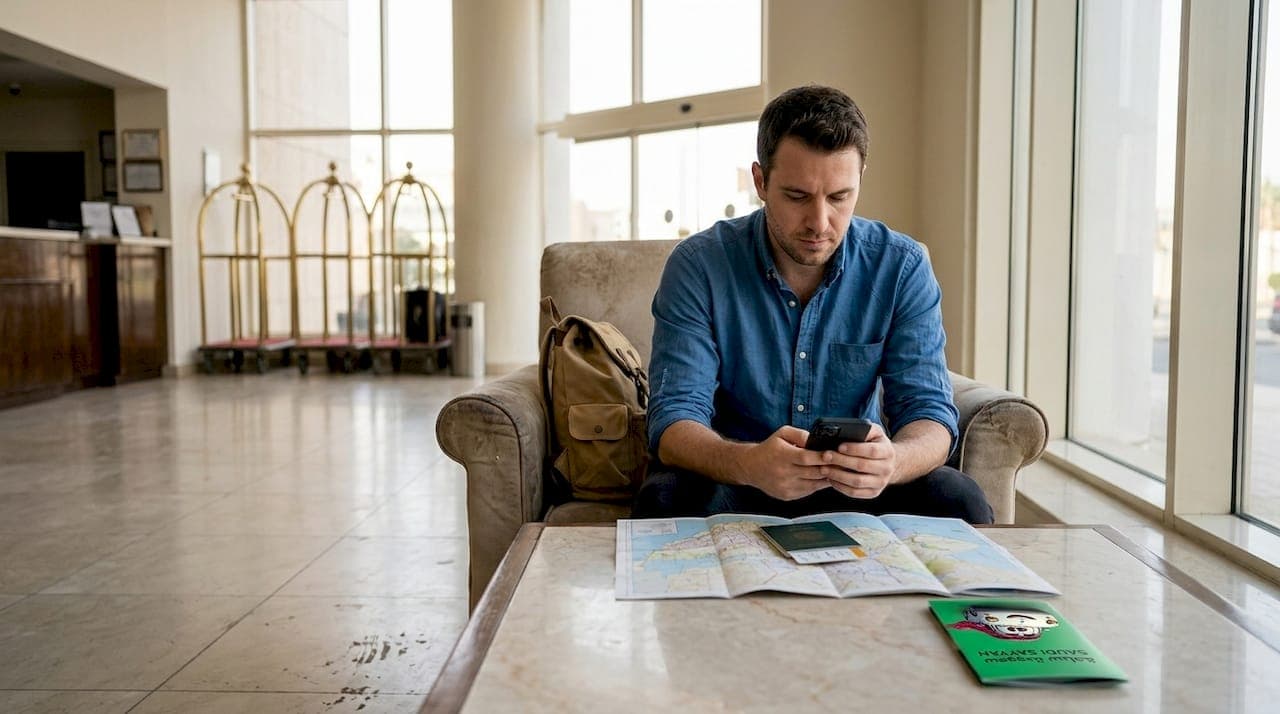
Staying connected while traveling to Saudi Arabia for Umrah or tourism presents unique challenges that can disrupt your journey. International tourists often experience difficulties due to roaming costs and incompatible network standards. This guide walks you through practical solutions, from preparing your devices before departure to troubleshooting connectivity issues on the ground, ensuring you maintain reliable communication throughout your sacred pilgrimage or travel experience.
Table of Contents
- Key takeaways
- Understanding connectivity challenges when abroad in Saudi Arabia
- Preparing for reliable communication: what you need before traveling
- How to stay connected while in Saudi Arabia: options and step-by-step instructions
- Troubleshooting common connectivity issues and ensuring a seamless experience
- Stay connected and travel comfortably with Saudi Sayyah
- How to stay connected abroad Saudi Arabia: frequently asked questions
Key Takeaways
| Point | Details |
|---|---|
| SIM and roaming options | Compare local Saudi SIMs with international roaming to minimize costs and ensure reliable coverage. |
| Prepare devices before travel | Unlock your phone before travel and download essential apps so you can connect immediately upon arrival. |
| Recommended communication apps | Install WhatsApp Telegram Skype and Google Maps while at home and download offline maps for Makkah, Madinah, and Jeddah. |
| Plan for connectivity limits | Know Saudi internet filtering and that VOIP may be restricted, so have alternative messaging options ready. |
Understanding connectivity challenges when abroad in Saudi Arabia
Traveling to Saudi Arabia introduces several technical hurdles that catch many first-time visitors off guard. Mobile network standards differ globally, and your phone may not support the frequencies used by Saudi carriers. This compatibility issue becomes apparent only after you've landed and inserted a local SIM card.
Roaming charges represent another significant concern. Using your home carrier's international roaming service can cost $10 to $15 per day, quickly adding hundreds of dollars to your travel expenses. Many carriers also throttle data speeds on international plans, making video calls or map navigation frustratingly slow.
Local data access comes with its own set of restrictions. Saudi Arabia implements internet content filtering that blocks certain websites and services. Voice over IP applications face intermittent restrictions, though messaging apps generally work reliably. Understanding these limitations helps you plan alternative communication methods.
Wi-Fi availability varies dramatically across the country. Major hotels in Makkah, Madinah, and Jeddah offer reliable connections, but coverage drops significantly in smaller cities and rural areas. Public Wi-Fi networks exist but raise security concerns when handling sensitive information like banking apps or personal data.
Pro Tip: Contact your carrier three weeks before departure to verify your phone is unlocked and request the unlock code if needed. Check your device specifications against Saudi network bands (primarily 900/1800 MHz for GSM and Band 3/7 for LTE) to confirm compatibility before you travel.
Preparing for reliable communication: what you need before traveling
Proper preparation includes unlocking your phone, downloading critical apps, and choosing whether to get local SIM cards or international roaming. Taking these steps at home eliminates stress and delays when you arrive in Saudi Arabia.
-
Unlock your phone for international use. Contact your carrier at least two weeks before departure to request an unlock code. Most carriers require your account to be in good standing and your device fully paid off. The unlock process takes 2 to 5 business days, so don't wait until the last minute.
-
Download essential communication applications. Install WhatsApp, Telegram, Skype, and Google Maps while connected to your home Wi-Fi. Create accounts and verify your phone number works with each app. Download offline map data for Makkah, Madinah, and Jeddah to navigate without internet access.
-
Research international roaming options from your carrier. Compare daily rates, data allowances, and speed restrictions. Some carriers offer special packages for Middle East travel that reduce costs significantly. Document customer service numbers you can call if issues arise.
-
Investigate local Saudi SIM card providers. Research the three major carriers (STC, Mobily, and Zain) to understand their tourist packages, coverage areas, and pricing structures. Identify airport kiosks and city locations where you can purchase SIM cards upon arrival.
-
Backup critical contact information offline. Save important phone numbers, hotel addresses, and emergency contacts in a notes app that works without internet. Screenshot your booking confirmations and travel documents in case you lose connectivity.
Pro Tip: Some Saudi carriers allow online SIM card registration before arrival. Visit the carrier's website, complete the registration form with your passport details, and select airport pickup. This service cuts your activation time from 30 minutes to under 5 minutes when you land.
How to stay connected while in Saudi Arabia: options and step-by-step instructions
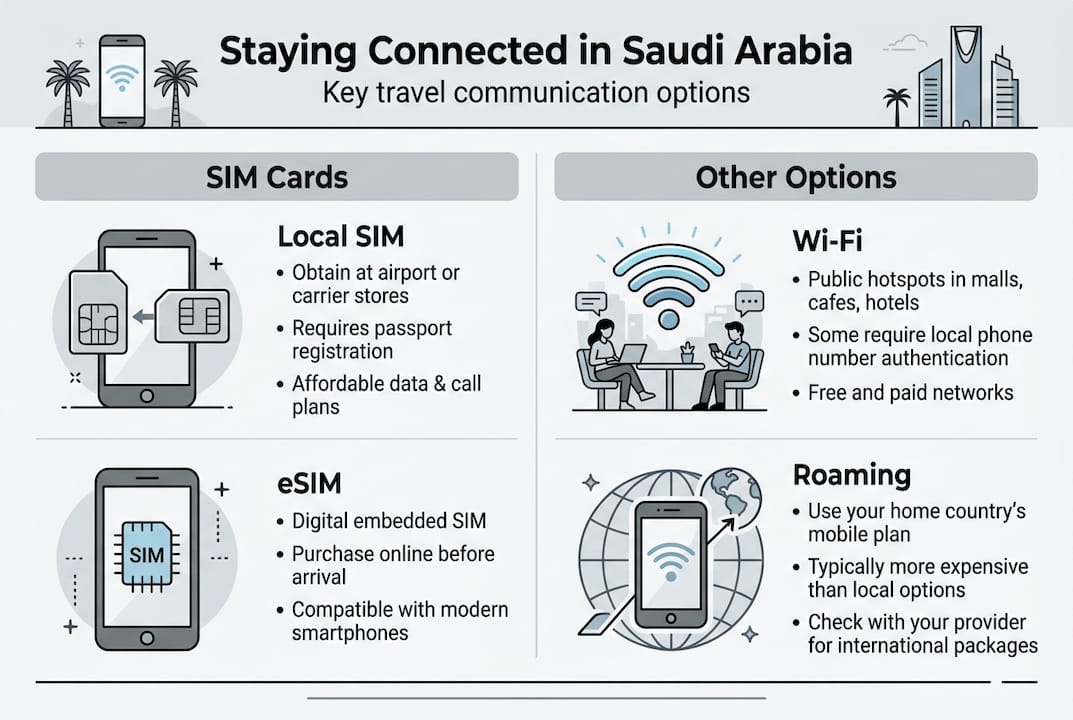
Once you arrive in Saudi Arabia, you have three primary connectivity methods. Each option offers distinct advantages depending on your budget, technical comfort level, and data needs during your stay.
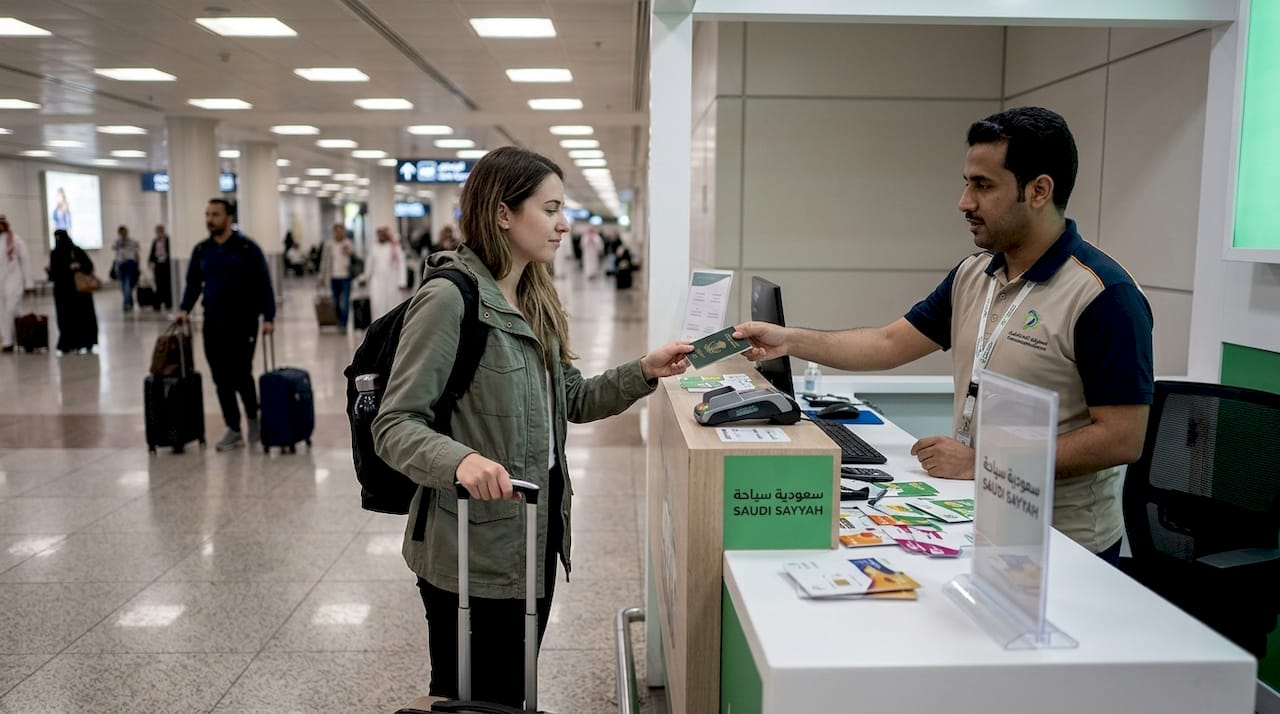
Using a local SIM card provides the most cost-effective and reliable network connectivity. Airport kiosks in Jeddah and Riyadh sell tourist SIM packages ranging from 50 to 200 SAR ($13 to $53) with 5GB to 30GB of data valid for 7 to 30 days. Bring your passport for registration, as Saudi law requires identity verification for all SIM purchases. Activation takes 10 to 15 minutes, and staff typically help configure your phone's network settings.
International roaming through your home carrier offers convenience but at premium prices. Enable roaming in your phone's settings menu under Cellular or Mobile Networks. Your carrier automatically connects to partner Saudi networks, though speeds may be reduced compared to local SIM performance. This option works best for short trips under 5 days when the convenience justifies the higher cost.
Public and hotel Wi-Fi networks provide free connectivity but with significant limitations. Most hotels require room numbers for access, and connection speeds vary widely based on the property's infrastructure investment. Public Wi-Fi in shopping malls and restaurants rarely requires passwords, raising security concerns for sensitive activities. Use these networks for basic browsing but avoid banking or entering passwords on unsecured connections.
| Option | Cost (7 days) | Data Speed | Setup Time | Best For |
|---|---|---|---|---|
| Local SIM card | $15 to $30 | Full 4G/5G | 15 minutes | Stays over 5 days, heavy data users |
| International roaming | $70 to $105 | Reduced speed | Immediate | Short trips, minimal setup preference |
| Wi-Fi only | Free | Variable | Immediate | Budget travelers, light internet needs |
Quick tips for maintaining connectivity throughout your trip:
- Keep your phone charged with a universal adapter (Saudi Arabia uses Type G plugs with 220V)
- Purchase a portable battery pack for long days visiting holy sites where charging opportunities are limited
- Set your phone to airplane mode when not actively using data to extend battery life
- Test your connection immediately after setup to verify calling, texting, and data all function properly
- Save your carrier's customer service number in your contacts for quick troubleshooting access
Troubleshooting common connectivity issues and ensuring a seamless experience
Common issues include SIM card registration problems, network coverage gaps, and app connectivity errors among visitors in Saudi Arabia. Knowing how to diagnose and resolve these problems quickly prevents communication disruptions during critical moments.
SIM activation failures typically stem from incorrect APN settings or incomplete registration. Navigate to Settings, then Cellular or Mobile Networks, and select Access Point Names. Enter your carrier's specific APN configuration (available on their website or from customer service). Restart your phone after saving these settings. If service still doesn't work, verify your account was properly activated by calling the carrier's helpline from another phone.
Network dropouts occur frequently in crowded areas during peak pilgrimage seasons. Millions of visitors simultaneously accessing networks around the Grand Mosque and Prophet's Mosque overwhelm cellular infrastructure. Switch your phone to 3G mode temporarily, as 4G towers become congested first. Text messages and basic calls often work when data connections fail. Plan important communications for early morning or late evening when network traffic decreases.
App connectivity problems usually relate to VPN requirements or permission settings. Some services need VPN connections to bypass content restrictions, though using VPNs in Saudi Arabia exists in a legal gray area. Check that apps have permission to use cellular data by reviewing Settings, then Apps, and verifying data access is enabled. Force close and restart problematic apps rather than immediately reinstalling.
Pro Tip: Install two messaging apps with different technical architectures. If WhatsApp experiences issues, Telegram often works because it uses different servers and protocols. Having a backup ensures you can always reach family or your hotel if your primary communication method fails.
Verification checklist before leaving your hotel each day:
- Confirm you have cellular signal with at least 3 bars
- Send a test message through your primary communication app
- Verify maps application loads your current location accurately
- Check your data balance hasn't been unexpectedly depleted
- Ensure your phone battery exceeds 50% charge
- Save your hotel's address and phone number in an offline note
Stay connected and travel comfortably with Saudi Sayyah
Reliable connectivity matters, but so does dependable transportation during your pilgrimage. Saudi Sayyah combines cutting-edge technology with exceptional service to ensure your journey between holy sites runs smoothly. Our geolocation-enabled platform sends you driver photos, vehicle details, and real-time tracking before every trip.
Our fleet features the latest model vehicles with advanced comfort features, perfect for the demanding climate and long distances between Makkah, Madinah, and Jeddah. Professional drivers with years of experience understand the unique needs of first-time pilgrims. Our fully automated booking system maintains constant communication, eliminating surprises and providing the peace of mind you deserve during your sacred journey. Explore our car hire services and premium vehicle options to complement your connectivity preparations with transportation you can trust.
How to stay connected abroad Saudi Arabia: frequently asked questions
How do I activate a local SIM card in Saudi Arabia?
Purchase your SIM card at airport kiosks or authorized carrier stores, providing your passport for mandatory registration. Staff will insert the SIM, configure network settings, and verify activation within 10 to 15 minutes. Your phone must be unlocked to accept the new SIM card.
Which apps work best for staying connected while abroad in Saudi Arabia?
WhatsApp dominates as the primary communication tool, with nearly universal adoption among locals and tourists. Travel apps designed for pilgrims offer additional features like prayer times and holy site navigation. Telegram serves as an excellent backup messaging option, while Google Maps provides reliable offline navigation.
Is public Wi-Fi safe to use during Umrah?
Public Wi-Fi networks pose security risks when accessing sensitive information like banking apps or email. Use these connections only for basic browsing and avoid entering passwords or financial data. Hotel Wi-Fi with password protection offers better security than open public networks in shopping areas.
Can I use my home phone number while in Saudi Arabia?
Your home number works through international roaming if enabled, though incoming calls and texts may incur charges. Most travelers prefer using messaging apps over their local SIM's data connection to maintain their regular number for important communications. Forward calls to a VoIP service before departure if you need to receive calls affordably.
What should I do if I lose internet connection suddenly?
First, toggle airplane mode on and off to force your phone to reconnect to the network. Check your data balance hasn't been depleted by calling your carrier's balance inquiry number. If problems persist, restart your phone completely. During crowded periods around holy sites, switch to 3G mode as 4G networks become congested first. Contact your carrier's customer service if connection issues continue beyond 30 minutes.